Type it
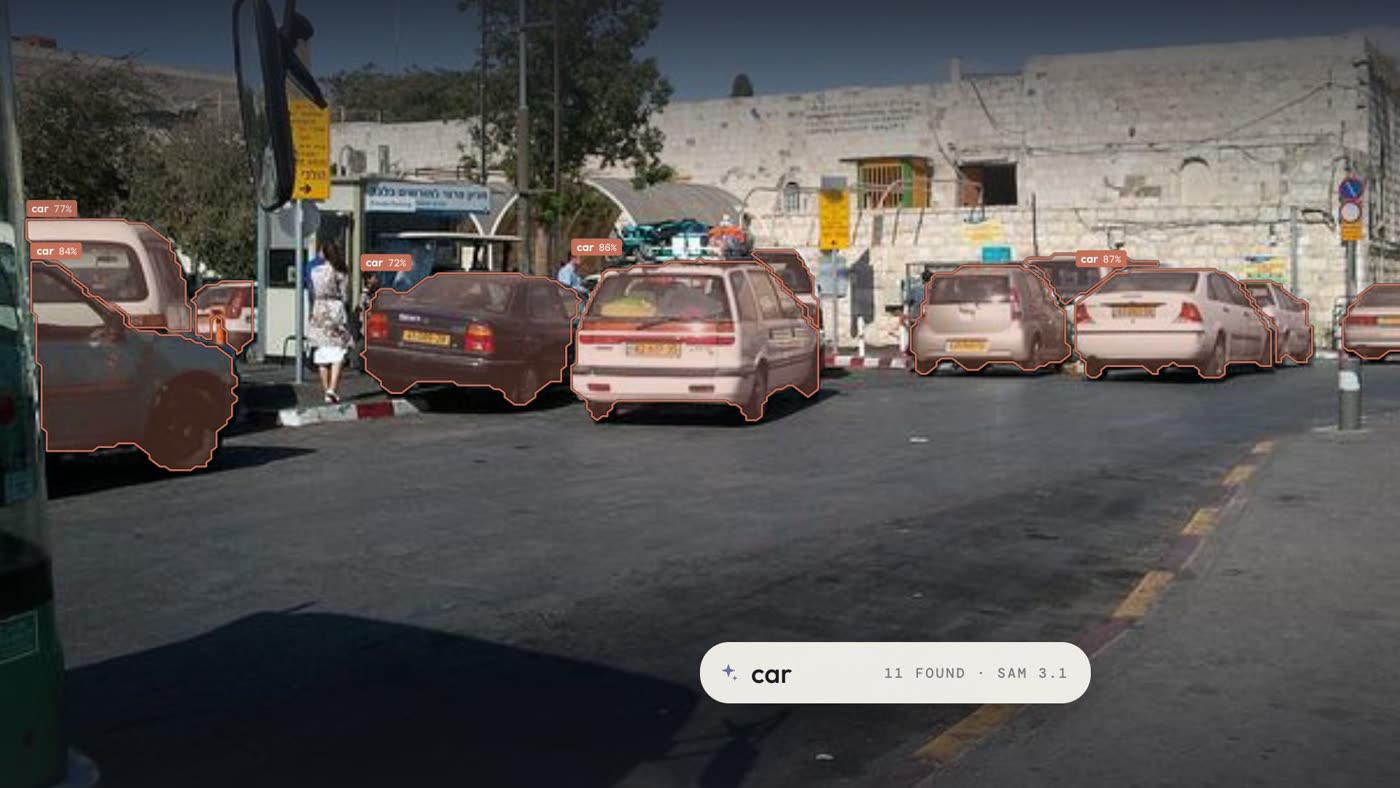
Type “car” and SAM 3.1 outlines every car in the image, each with how sure it is.
Text promptType a word, click once, or show one example and LabelFlow outlines the rest, in this image or across all of them. It runs on your Mac, with Claude when you want it.
Type “car” and SAM 3.1 outlines every car in the image, each with how sure it is.
Text prompt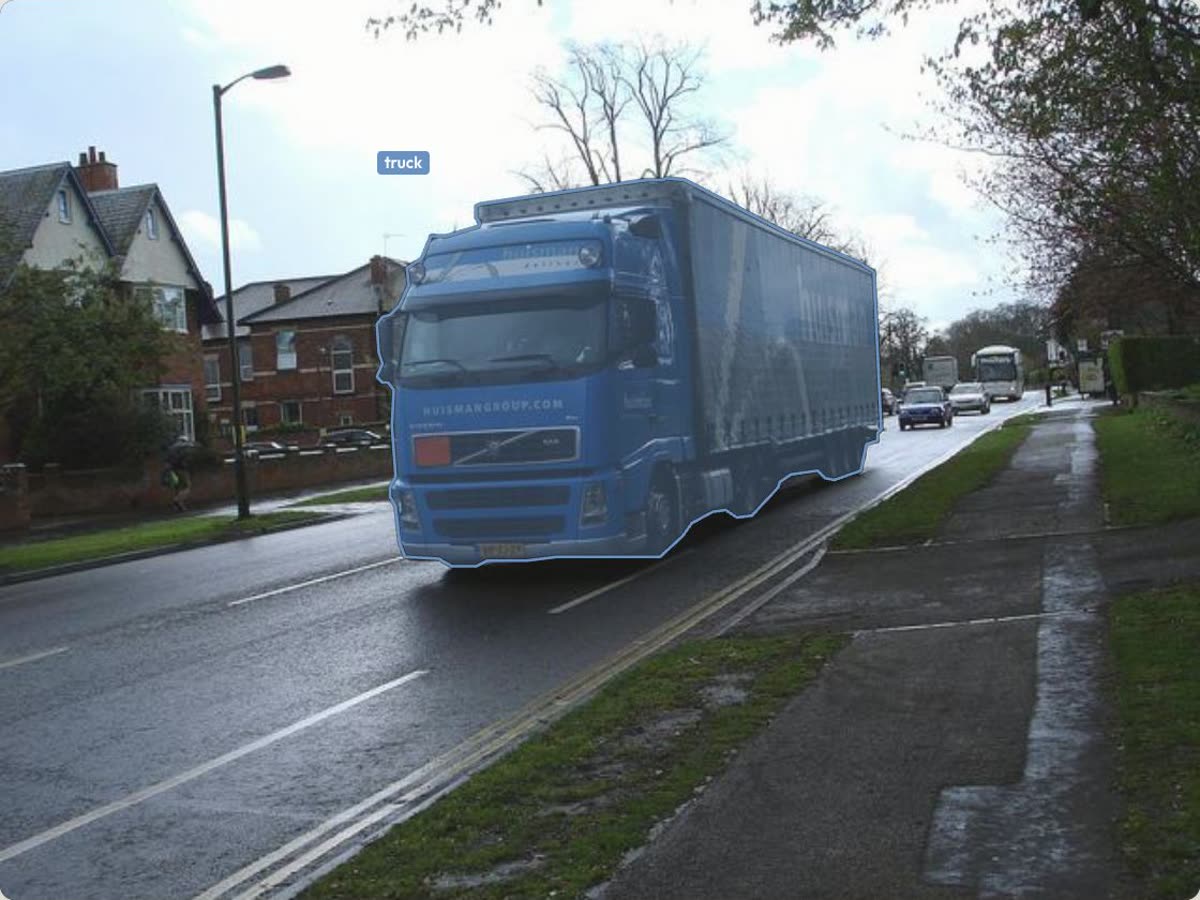
One click outlines the whole object. Use Apple’s on-device segmenter for speed, or SAM 3.1 for detail.
Interactive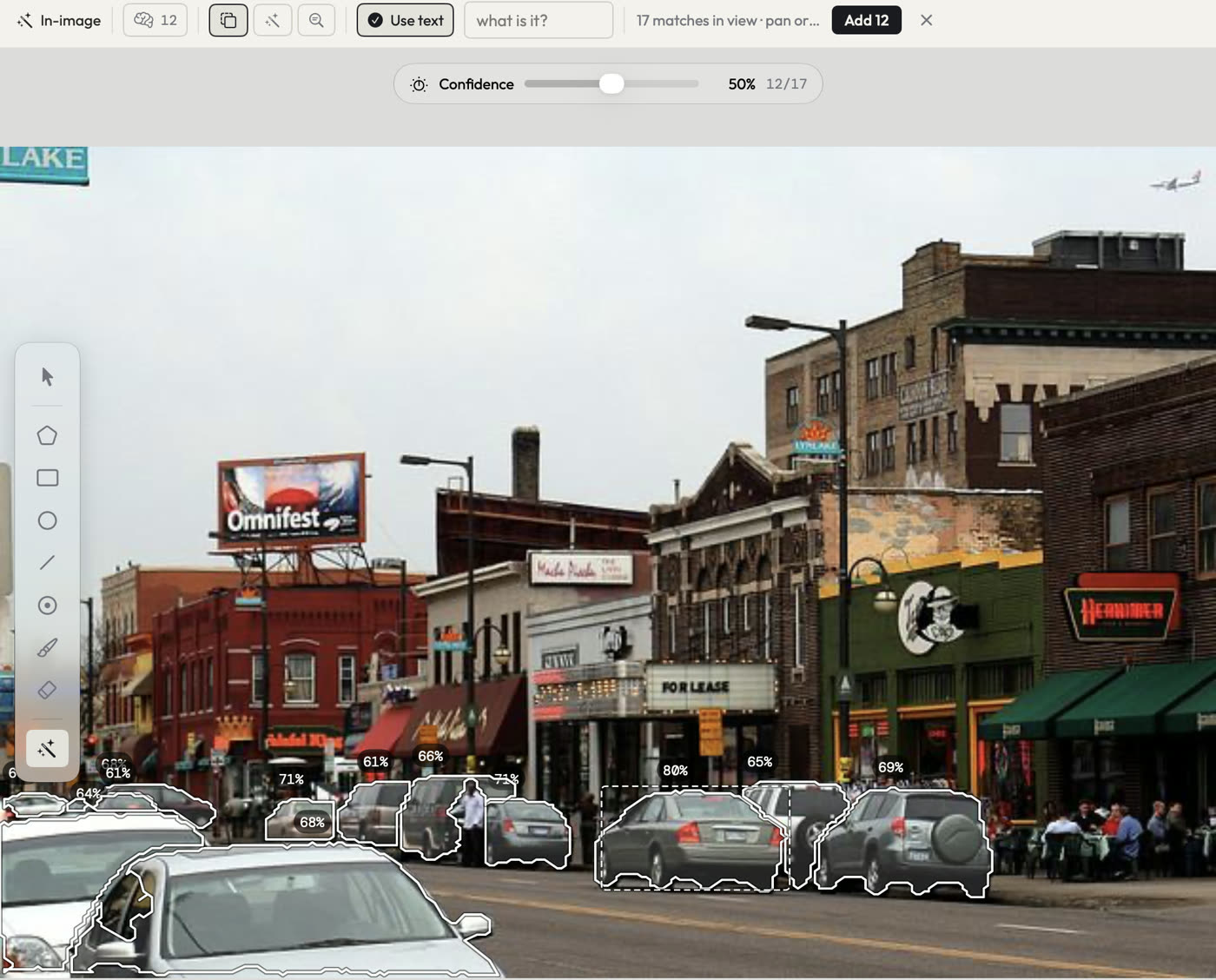
Box a single example and Find similar marks every match in this image. Set the confidence, then add them all in one go.
Find similar, in this image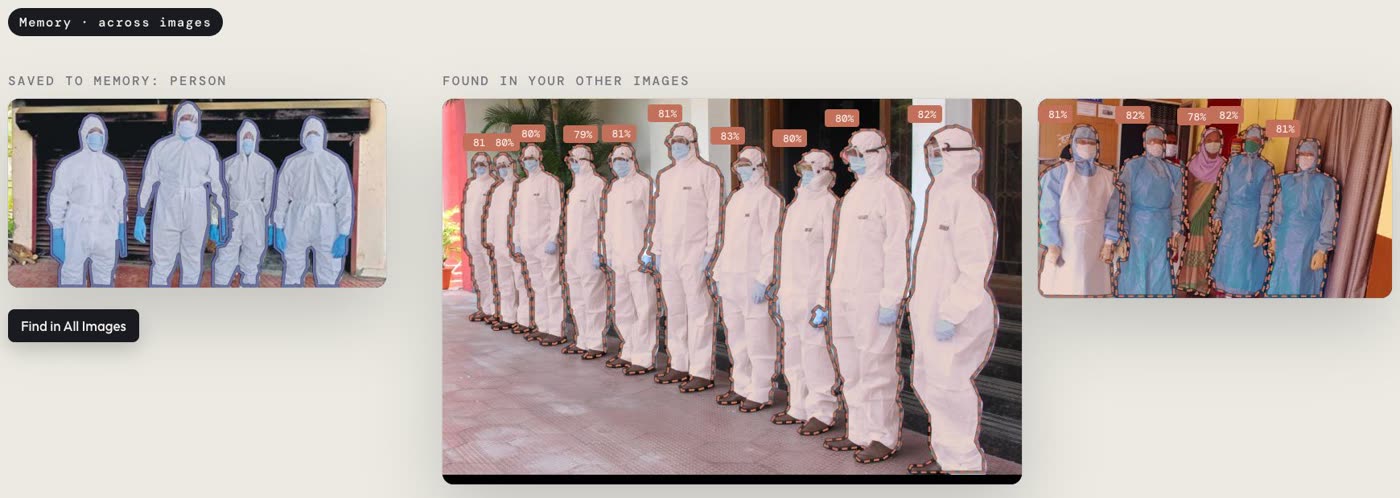
Save an outline to Memory and LabelFlow learns that object. Then Find in All Images looks through the whole project and proposes it everywhere, for you to accept or reject.
Memory, across images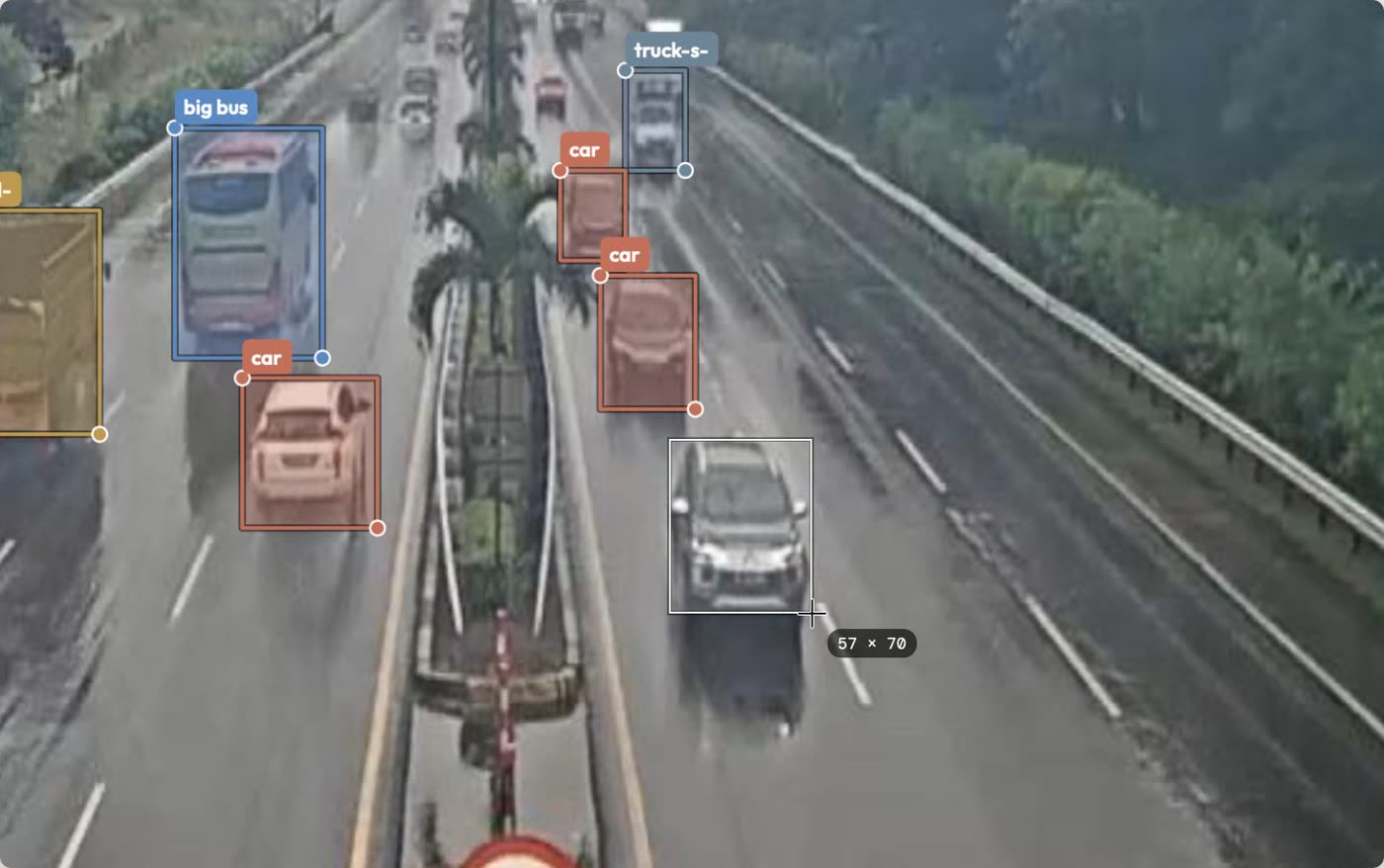
Boxes, polygons, circles, lines, points and a mask brush, with the size shown live while you drag.
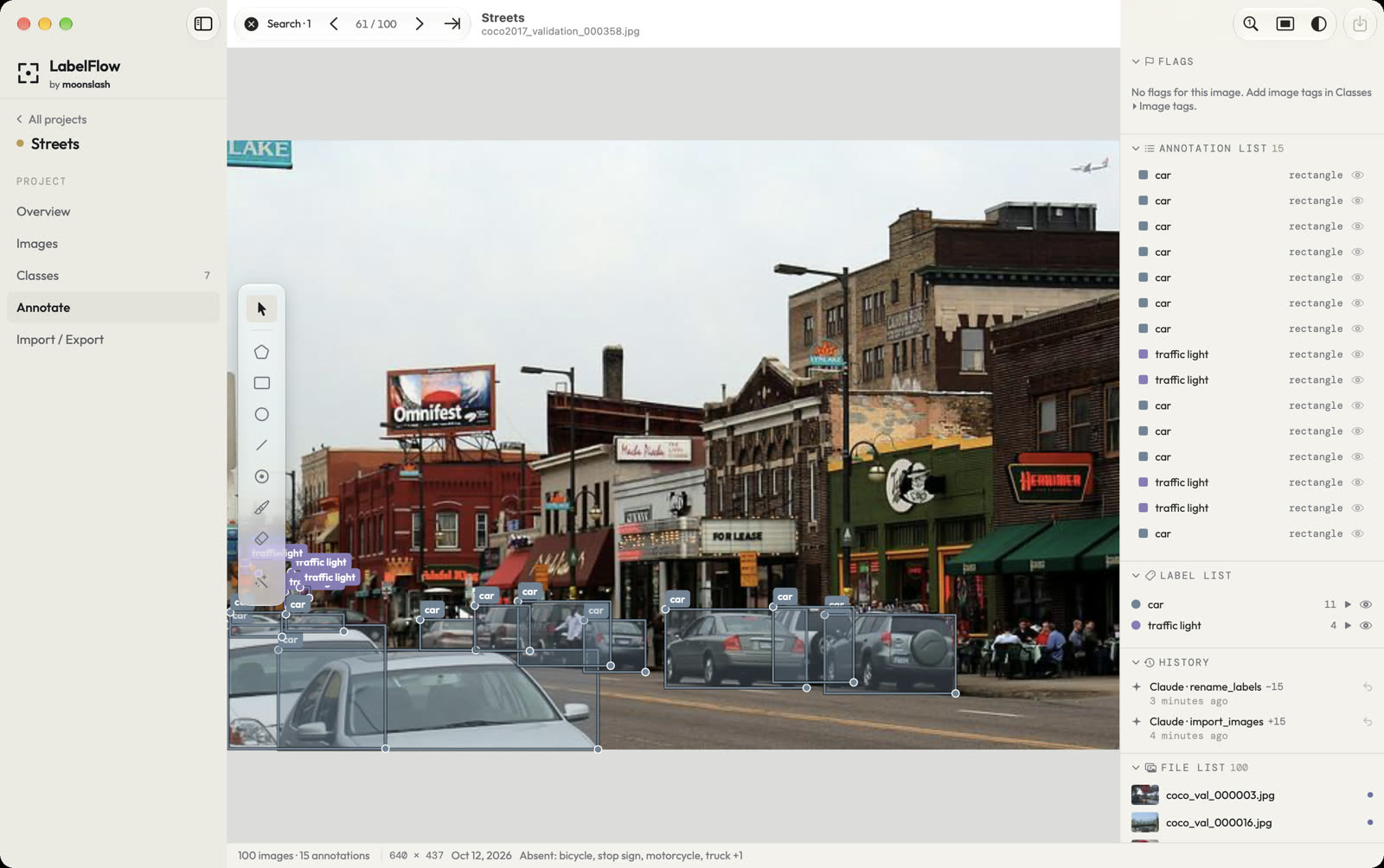
Manual toolsConnect Claude and ask in plain words. Every change lands in the app’s History, where you can see it and undo it.
Find a street-scene dataset on Hugging Face, import a hundred images and name the classes.
Done. They’re in a new project called Streets, labelled and ready to review.
Labelling and the AI run on-device. Nothing is uploaded unless you choose to share it.
Export COCO JSON, YOLO (boxes or segmentation) and Pascal VOC. Labels are saved as labelme JSON next to your images.
AI suggestions arrive as proposals you accept or reject, and every shape keeps its source and confidence.
A Mac app, not a browser tab. Windows, Linux and web versions are in the works.
Join the list and we’ll email you when there’s a place for you.